
AI Comic Builder
Turn a script into an animated comic, end to end
AI Comic Builder is an AI pipeline that turns a script into a finished animated video with subtitles. It parses the script, extracts characters and draws four-view reference sheets, breaks the story into shots, generates first and last frames and video clips per shot, then stitches everything together. Every stage can run on its own or in batch, and you can plug in OpenAI, Gemini, Kling, Seedance, Veo and other providers.

Key features
Script import and auto episodes
Upload TXT, DOCX or PDF and AI parses the text, extracts characters and splits it into episodes, with a visual progress view.
Four-view character sheets
Generates front, three-quarter, side and back references for each character so they stay consistent across frames.
Smart storyboarding
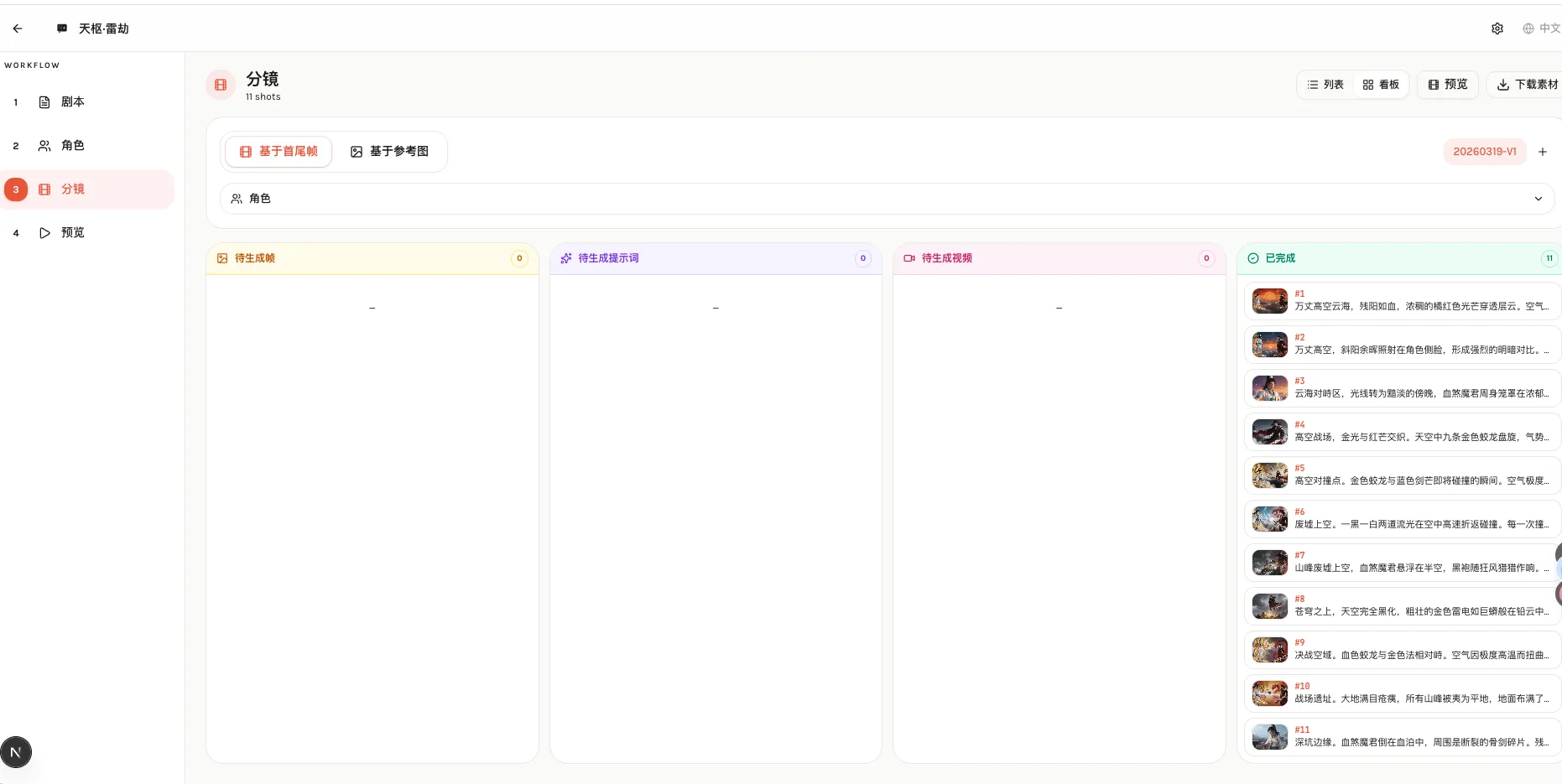
AI breaks the script into shots with composition, lighting and camera directions, viewable as a list or kanban with storyboard versions.
Keyframes to video
Creates first and last frames per shot, writes the video prompt, then generates the animated clip between them.
Compositing and download
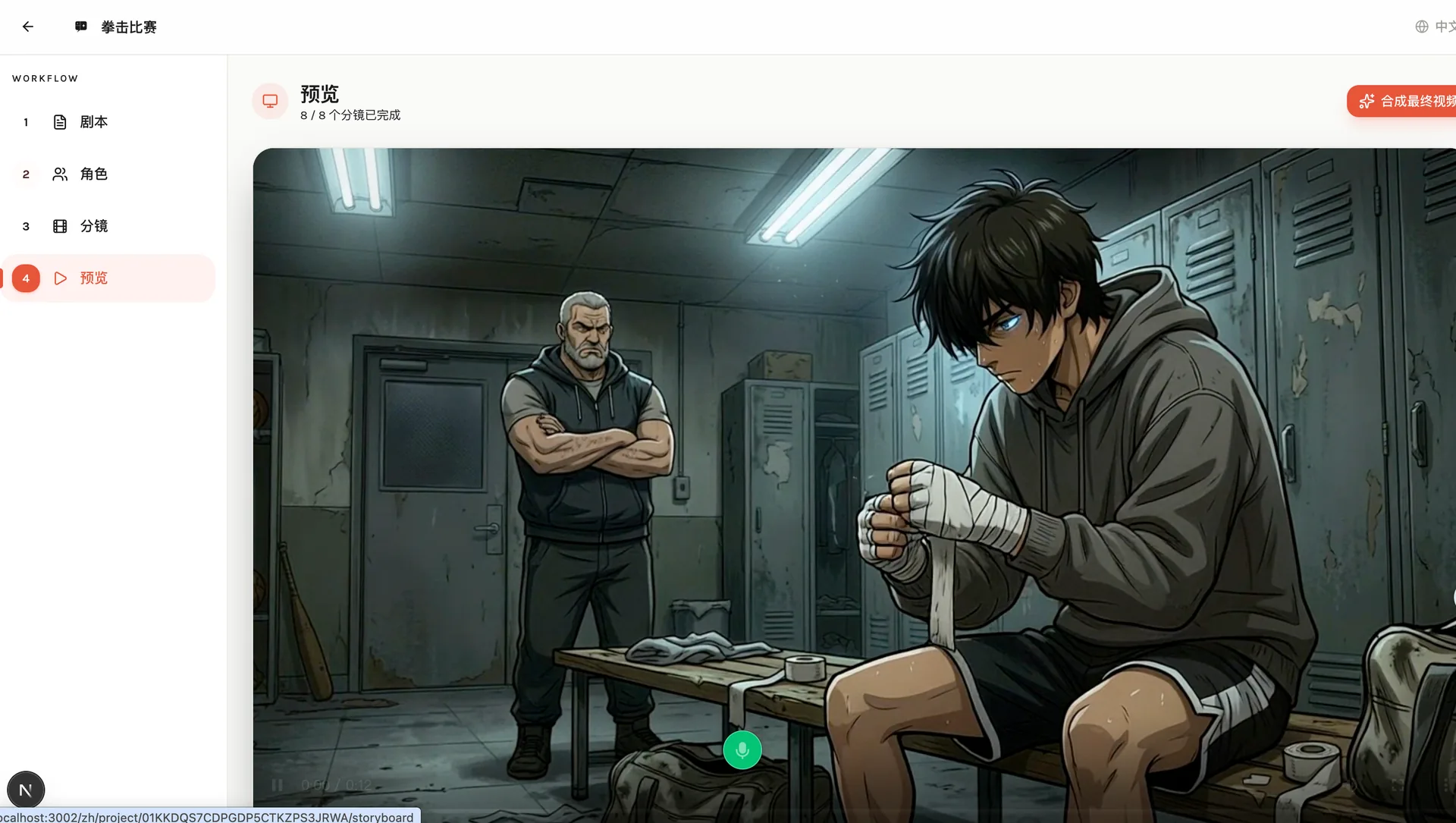
Stitches all clips into one video with burned-in subtitles, and lets you download the film or every asset as a bundle.
Many models and aspect ratios
Works with OpenAI, Gemini, Kling, Seedance and Veo, configurable per project, with 16:9, 9:16, 1:1 or adaptive ratios.
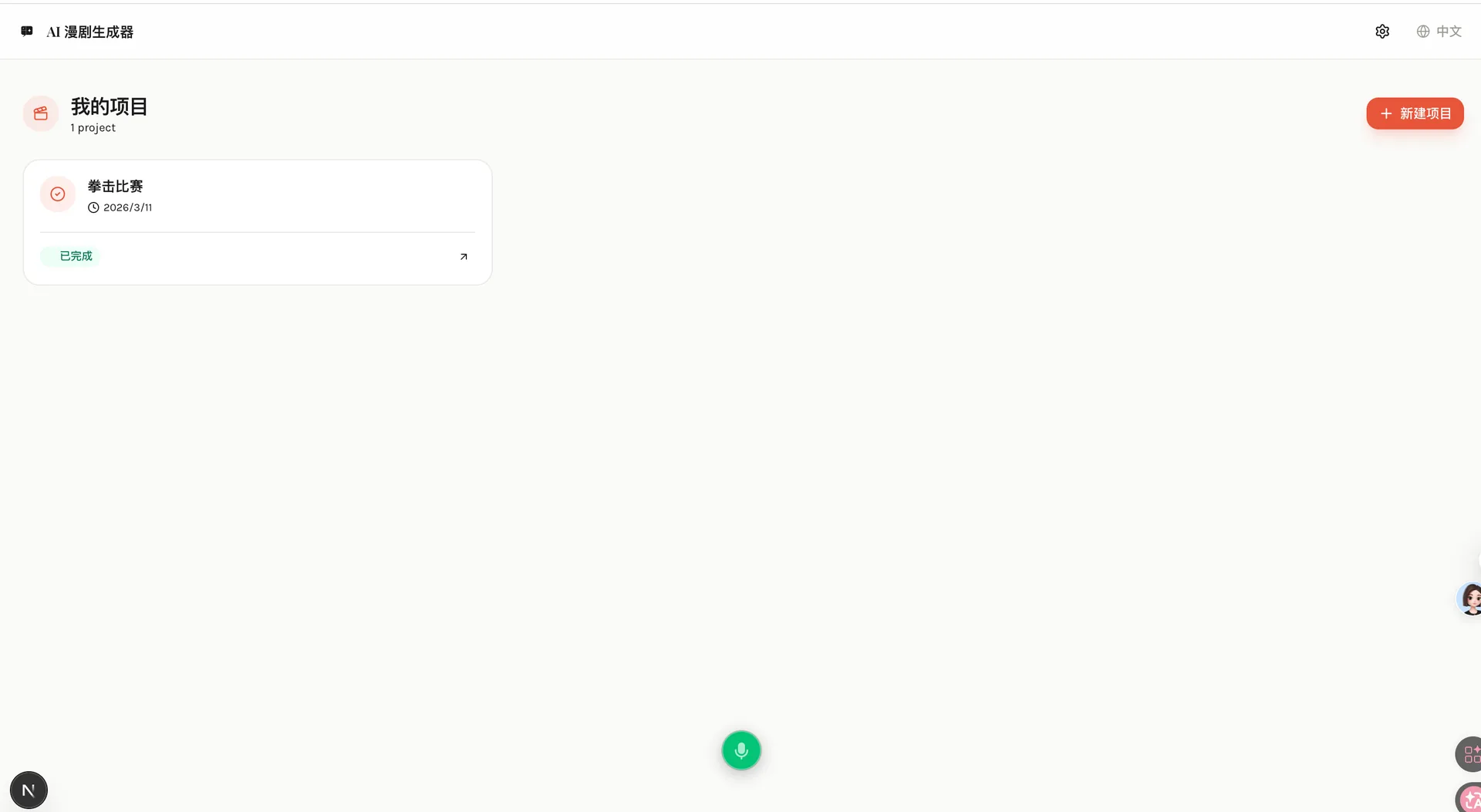
Screenshots
Click any image to enlarge


Quick start
- Start with Docker, mounting local folders for data and generated assets
- Open http://localhost:3000
- Configure your AI providers (OpenAI, Gemini, Seedance, etc.) on the settings page
docker run -d \
  --name ai-comic-builder \
  -p 3000:3000 \
  -v ./data:/app/data \
  -v ./uploads:/app/uploads \
  --platform linux/amd64 \
  twwch/aicomicbuilder:latest
Tech stack
FAQ
What is AI Comic Builder?
Turn a script into an animated comic, end to end. AI Comic Builder is an AI pipeline that turns a script into a finished animated video with subtitles. It parses the script, extracts characters and draws four-view reference sheets, breaks the story into shots, generates first and last frames and video clips per shot, then stitches everything together. Every stage can run on its own or in batch, and you can plug in OpenAI, Gemini, Kling, Seedance, Veo and other providers.
Is AI Comic Builder open source?
Yes. AI Comic Builder is open source on GitHub (https://github.com/LingyiChen-AI/AIComicBuilder) under the Apache-2.0 license.
Can I try AI Comic Builder online?
Yes, the live version is at https://comic.cturing.cn/en.
How do I get started with AI Comic Builder?
1. Start with Docker, mounting local folders for data and generated assets; 2. Open http://localhost:3000; 3. Configure your AI providers (OpenAI, Gemini, Seedance, etc.) on the settings page
What is AI Comic Builder built with?
Next.js 16, React 19, Tailwind CSS 4, Zustand, Base UI, next-intl, SQLite, Drizzle ORM, AI SDK, FFmpeg, pnpm, Docker.